
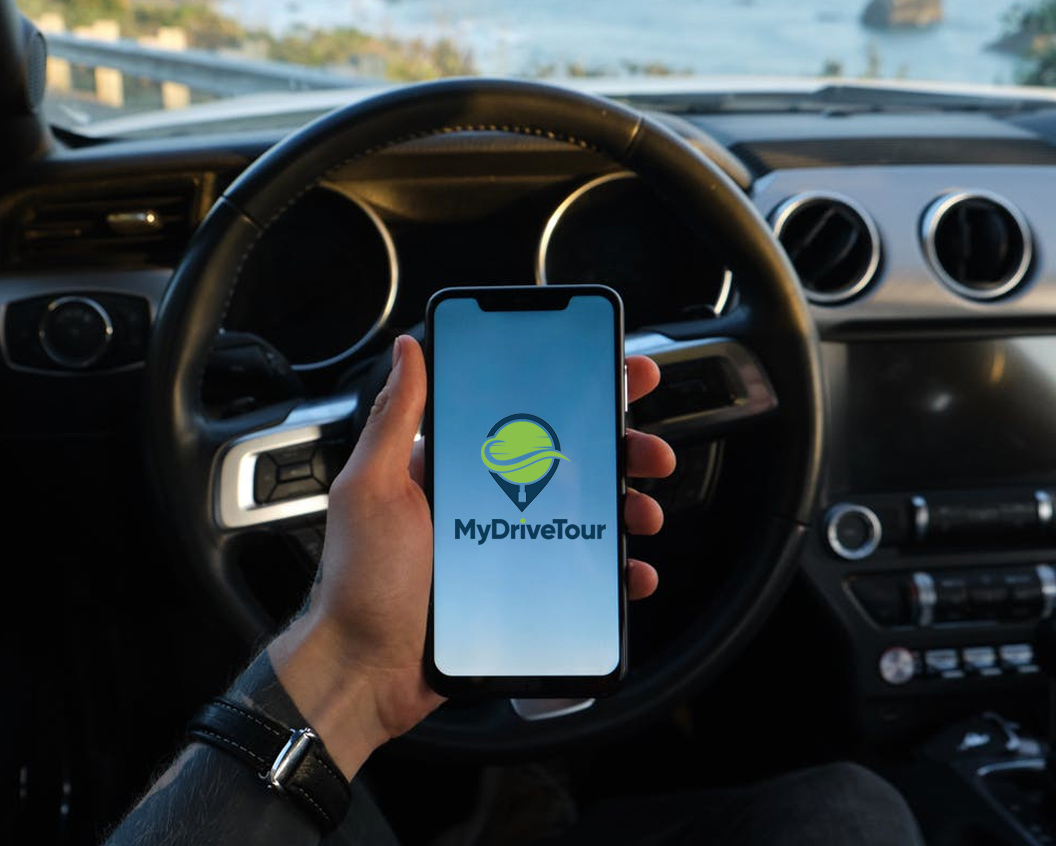
The stretch between Killarney and Kenmare can look simple on a map, yet one wrong turn can mean missing a mountain pass, a quiet beach or the small village where you had planned lunch. When you download driving routes before setting off, your Irish road trip has a clearer shape without losing the freedom that makes self-drive travel so rewarding.
For visitors, route downloads are not simply about avoiding a weak signal. They are about travelling with confidence: knowing where the next scenic stop is, understanding why a ruined abbey matters, and having the flexibility to linger when a view deserves more than five minutes. A well-planned digital route lets you spend less time searching and more time enjoying Ireland.
Download Driving Routes Before You Set Off
Ireland’s best drives do not always follow the fastest route. The Wild Atlantic Way, Ring of Kerry, North Antrim Coastal Drive and the roads through the Sunny Southeast are full of worthwhile detours, viewpoints and local places that may not appear in a basic sat-nav search.
Before leaving your accommodation, download the route information you need and make sure your preferred mapping app has the journey ready to use. This is particularly sensible in rural areas, where mobile coverage can vary between valleys, headlands and upland roads. A route that is available on your mobile phone gives you reassurance when the next junction is hidden behind a bend or the weather closes in.
It also helps to distinguish between a downloaded map and a planned tour. An offline map can show the road ahead, but it cannot tell you which stop is worth making, how long to allow, or the story behind what you are seeing. For a proper touring day, you need both dependable navigation and meaningful guidance.
Choose a route built for sightseeing, not just speed
A mapping app is excellent at calculating directions, but its default setting often favours the quickest journey. That can be useful when you need to reach a hotel before dinner, yet it is rarely the best way to experience a holiday route.
A professionally planned driving tour sequences major highlights alongside stops that independent travellers might otherwise pass by. It accounts for the reality of the day: where roads narrow, where views open up, where parking is practical and where you may want a coffee, a walk or extra time for photographs. You remain in control of your pace, but you are not starting with a blank map.
This is especially valuable for families and first-time visitors. Rather than trying to research every castle, waterfall and coastal viewpoint the night before, you can select the stops that suit your group and leave the rest for another day.
How a Digital Driving Tour Works
A self-guided tour should feel straightforward from the moment you buy it. With MyDriveTour, the itinerary is created by qualified Irish tourist guides and chauffeurs with decades of local touring experience. Once you have selected your tour, its route can be exported to the mapping app you prefer for turn-by-turn navigation. If you want a choice of routes before setting off, explore the complete MyDriveTour collection, available as a 13-tour bundle for €45.
That means you can follow familiar directions while benefiting from a route designed around the experience, not merely the destination. There is no need to follow a coach timetable or wait for a group to return to the car park. Start at a point that suits your day, choose the attractions that interest you and pause whenever you like.
As you approach key locations, geofenced audio commentary brings the landscape to life at the right moment. A distant island, a stone fort or a colourful harbour becomes more than a name on a sign. Supplementary attraction information can help you decide whether a stop fits your available time and interests.
The balance matters. Some travellers want a full day of famous sights, while others prefer a slower route with village stops and a short coastal walk. A flexible digital guide supports either approach.
Prepare Your Mobile Phone for an Irish Road Trip
A little preparation makes downloaded routes far more useful. Do it while you have reliable Wi‑Fi at your hotel, holiday cottage or airport, rather than when you are already on a remote road.
First, check that your mobile phone has enough storage space and that your mapping app is up to date. Save or download the map area for the parts of Ireland you will be driving through if your chosen app offers offline maps. Then open your tour route and confirm that it appears correctly in your navigation app before you leave.
Charge your mobile phone fully and bring a car charger. Navigation, screen brightness and audio can use more battery than expected on a long day, particularly if you are taking photographs and checking attraction details along the way. A simple windscreen or dashboard mount is useful too, provided it is fitted safely and does not obstruct your view.
It is also wise to review the day before you start the engine. Look at the total driving time, the locations of your priority stops and where you may take a break. The point is not to create a rigid schedule. It is to know which stops you would be disappointed to miss if rain, traffic or a leisurely lunch changes the plan.
Keep navigation practical and safe
Your passenger can manage the mobile phone, adjust the route and choose the next stop. If you are travelling alone, set everything up before moving off and pull in safely before making changes. Ireland’s scenic roads deserve your full attention, especially where lanes are narrow, sheep are near the roadside or weather conditions are changeable.
Do not assume that a route shown on a screen is suitable for every vehicle or every confidence level. Some smaller roads are charming and perfectly manageable, while others may feel challenging in heavy rain, fog or after dark. If a route suggests a road you would rather not take, choose an alternative and continue with the parts of the tour that work for you. Flexibility is one of the great advantages of self-guided travel.
Make Room for the Unexpected
The most memorable Irish driving days often include a moment you did not plan: sunlight breaking through over the Atlantic, traditional music drifting from a pub door, or a local recommendation that changes your afternoon. Downloaded driving routes give you a dependable framework so that these spontaneous moments feel like a bonus, not a disruption.
Allow more time than the map predicts, particularly on touring routes. Driving time does not include finding parking, walking to a viewpoint, visiting an attraction or stopping for a photo when the landscape suddenly demands it. On popular sections of the Ring of Kerry or around the Giant’s Causeway, setting off early can make parking and busy visitor areas easier to manage. In quieter regions, an unhurried start may be exactly right.
Be realistic about how much you can see in one day. A route with six excellent stops is usually more enjoyable than a rushed attempt at fifteen. Choose the places that genuinely interest you, whether that is coastal scenery, folklore, gardens, heritage sites or hidden corners known locally, and let the rest remain a reason to return.
A Better Way to Travel Independently
Downloading a driving route is a practical first step, but the best road trips need more than a blue line on a screen. They need context, sensible stop planning and the confidence to take a detour when it feels right.
Prepare your route while you have a good connection, keep your mobile phone charged and give yourself permission to slow down. With the directions handled and local stories ready when you reach them, the next bend in the road can be the beginning of the day rather than another thing to research.
