
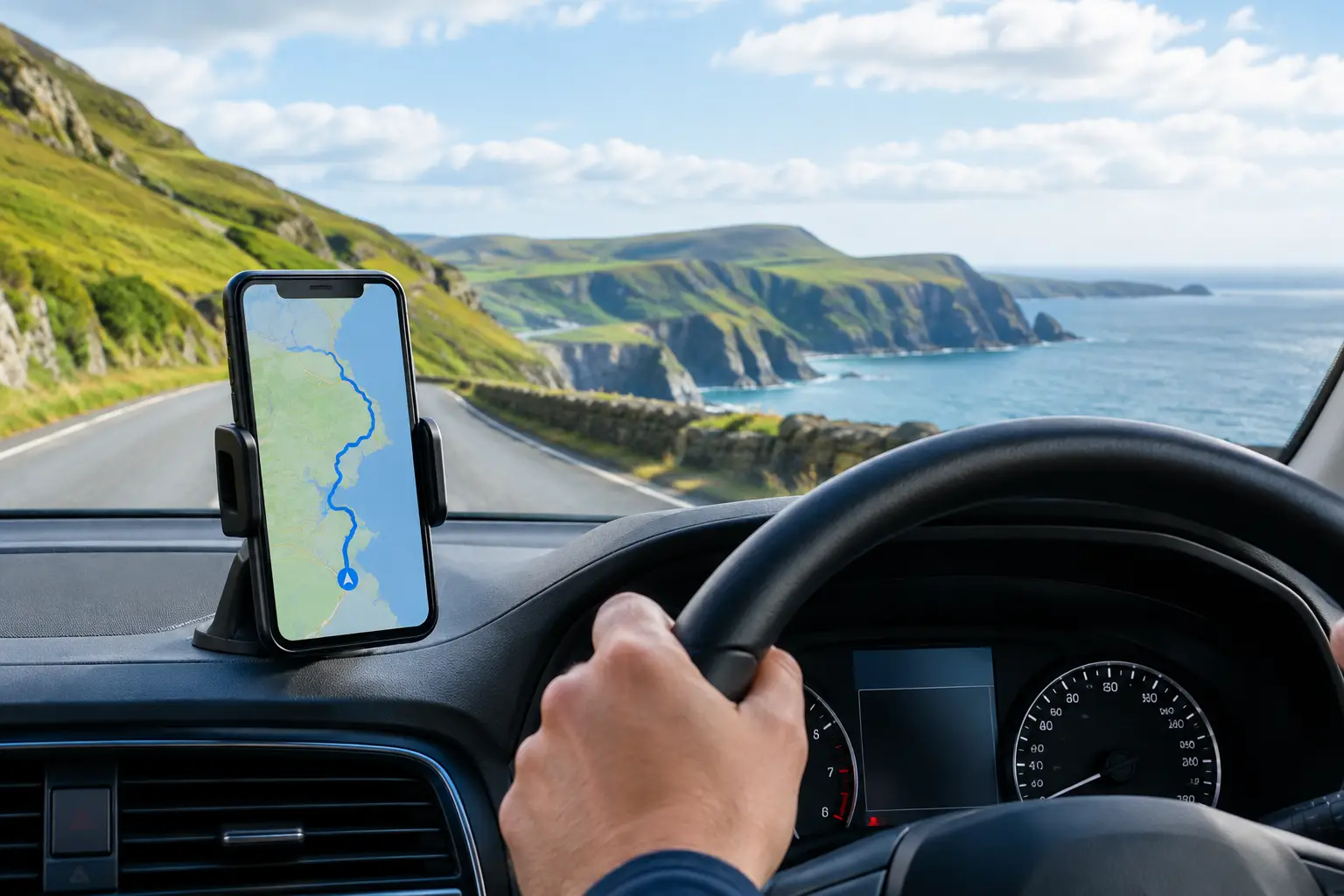
Your first view of Ireland should not be spent trying to interpret a paper map at a roundabout. Knowing how to buy and use a MyDriveTour route before you collect your car hire (rental car) gives you a practical sightseeing companion from the moment you are ready to explore.
MyDriveTour is designed for independent travellers who want the freedom of a self-drive holiday with helpful route guidance, suggested places to visit and short audio introductions at selected sights. You remain in charge of the day: stop for a coastal walk, skip an attraction that does not suit your group, or linger in a town that surprises you.
Start with the free app, then choose your tour
The MyDriveTour app is free to download. Download it to your mobile phone before your trip, ideally while you have reliable Wi-Fi at home or at your accommodation. The free app is where you will view and use your purchased tour; downloading it alone does not include every route.
Next, choose the paid tour that best matches the part of Ireland you are visiting. This is worth doing after you have confirmed your overnight stops, rather than simply choosing the most famous route. A traveller staying around Killarney may find the Ring of Kerry a natural fit. Someone travelling between Belfast and Derry/Londonderry may prefer the Causeway Coast. If the Wild Atlantic Way is the centrepiece of your holiday, choose the route sections that align with the direction and pace of your itinerary.
A single route is often the sensible choice for a short break or a holiday focused on one region. The All Tours bundle makes more sense if you are touring several areas, returning to Ireland later, or would like flexibility should weather, timings or your plans change. It gives you a wider selection without having to decide on every scenic day in advance.
Before buying, read the route description carefully. Check where the tour begins and ends, the main area it covers, and whether its suggested stops fit your interests. A route can be a wonderful companion for scenery, heritage and local discoveries, but it cannot create extra time in a packed itinerary. Choose a day when you can explore without rushing.
How to buy a MyDriveTour route
When you have selected a route, purchase it through the MyDriveTour website or the purchase option provided for that tour. Follow the on-screen checkout instructions and retain the order confirmation until the tour appears in your app.
Use the same details or access method requested during purchase when opening the app. If the app asks you to restore, sync or access your purchased tours, complete that step while connected to Wi-Fi. This is the best time to check that the correct route is available, rather than discovering an issue after you have left your hotel car park.
Do a quick practical check before departure. Open the route, look at the overall map and familiarise yourself with the first few suggested stops. If your phone needs mobile data for mapping or location services, make sure your travel plan allows for that. International visitors may use roaming, a local data plan or Wi-Fi when available, depending on their provider and device.
It is also sensible to bring a charging cable for the car. GPS use, navigation and audio can use battery power, particularly on a full day of driving. If you are sharing driving, decide who will operate the phone. The driver should focus on the road, while a passenger can manage the app, choose stops and read any additional point-of-interest information.
Set up your route before you set off
A MyDriveTour route works best when it supports your day rather than dictates it. Open the tour before leaving and allow location access if prompted. GPS-guided routing helps you follow the journey, while the map lets you see where the suggested sights sit along your route.
You do not have to visit every stop. That flexibility is part of self-guided touring. Families may favour a beach, castle or short walk over a long museum visit. Couples might spend more time in a harbour village or at a viewpoint. Repeat visitors may skip headline attractions and use the route to find places they have not seen before.
Think of the route as a useful framework for discovery. It points out worthwhile places and provides concise audio introductions at selected locations, but you decide how long to stay and what to leave for another trip. MyDriveTour is not a live guide or a substitute for an in-depth professional guided tour. Its value is in helping you travel independently with more context and less guesswork.
Choose your stop order realistically
Suggested stops do not need to become a checklist. Start by identifying two or three places you would be genuinely disappointed to miss, then treat the remaining suggestions as options. This approach leaves room for an unexpected café, a change in weather or a scenic pull-in that catches your eye.
Be realistic about the difference between driving time and sightseeing time. Narrow rural roads, photo stops, finding parking and short walks all add time. In busy periods, popular attractions and car parks may be busier than expected. Check current visitor information directly with individual attractions if admission, facilities or opening times matter to your plans.
Where possible, avoid making one person navigate while trying to enjoy every view. Pull over only where it is safe and permitted, and never stop on a narrow road simply for a photograph. Ireland’s scenery rewards an unhurried approach, but road safety comes first.
Use audio and mapping as you travel
As you move through the route, the app can guide your journey and present short audio at selected places of interest. The commentary is intended to add a little background to what you are seeing – a landscape, town, monument or historic site – without turning your drive into a continuous lecture.
Listen when it suits the moment. You might play an introduction before getting out of the car, while parked at a viewpoint, or as you approach an area with a passenger handling the device. If a stop is closed, too busy or simply not to your taste, continue to the next one. Nothing has been wasted; the route remains a useful guide to the wider area.
The map is particularly helpful when plans shift. Perhaps rain changes your walking plans, a child needs a break, or you have discovered that you enjoy a town more than expected. Look ahead, select a nearby stop that works for your remaining time, and let the day develop naturally.
Make the route fit your Irish holiday
The most satisfying self-drive days have a clear shape but enough room to breathe. Use your MyDriveTour route alongside your accommodation bookings, meal plans and any attractions you have reserved. If you need to reach a hotel, ferry or dinner booking by a certain time, work backwards and choose fewer stops.
For a one-day scenic drive, start early enough to enjoy the first major stop before crowds build. For a multi-day itinerary, resist trying to complete every suggestion in one long push. A route can be revisited over more than one day if that suits where you are staying and how you prefer to travel.
Keep a little offline preparation as a back-up. Save your accommodation details, carry a car charger and have an idea of your next destination in case coverage is limited in a rural area. These small steps make independent travel feel calmer, especially if you are driving on Ireland’s left-hand side for the first time.
A good route should leave you feeling informed, not hurried. Buy the tour that fits the places you will actually visit, set it up before the day begins, and let the suggested stops give your journey direction while Ireland provides the memorable detours.
